
Rawrun Shorts Planner · Free & Pro
Plan every Short. Check it before you hit publish.
A YouTube Shorts planner in a single offline HTML file. Ideas, hooks, upload dates and a 14-point pre-upload checklist – and your data never leaves your browser.
No account · No install · No tracking · Works offline
Shorts are short. The work around them isn't.
- Ideas live in five different notes apps.
- Upload day comes and you forget the AI label, the music rights or the source on screen.
- You've posted 30 Shorts and can't tell which hooks worked for you.
The Shorts Planner puts ideas, schedule and a pre-upload check in one place – a single file on your computer.
How it works
-
1 · Download & open.
Double-click the file. It opens in your browser – Chrome, Edge, Firefox or Safari. Nothing to install, no sign-up.
-
2 · Plan your episodes.
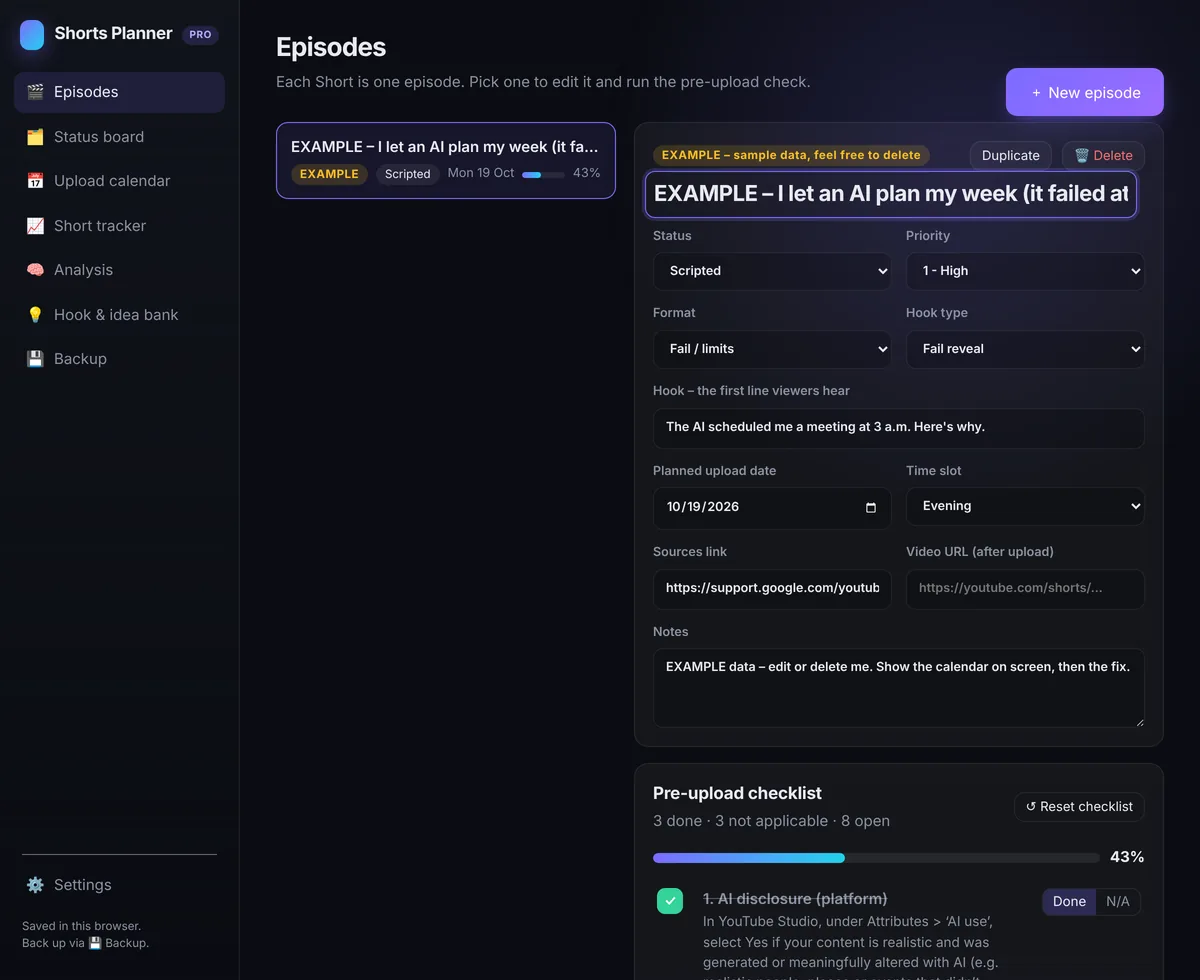
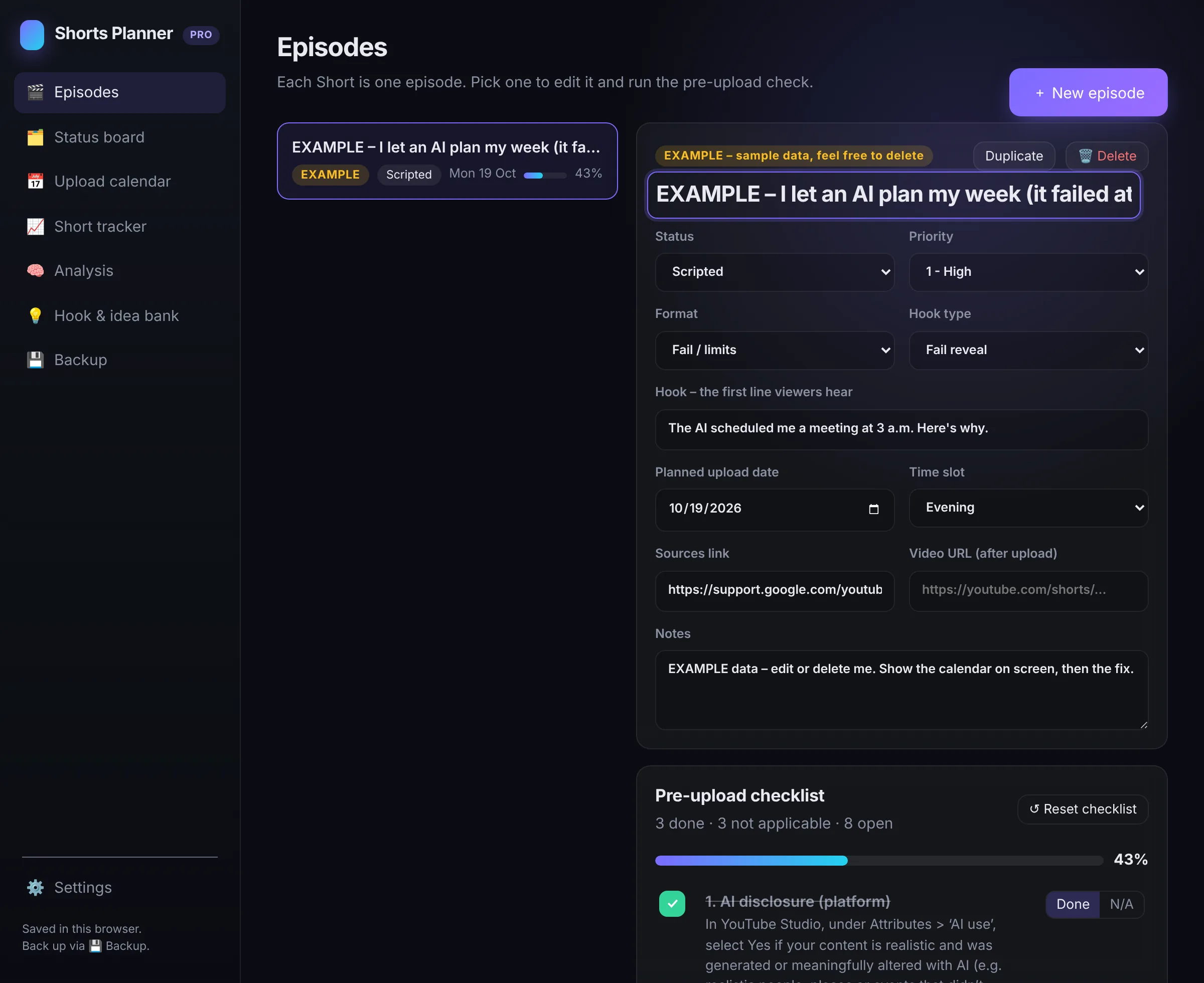
Each Short is an episode: title, format, hook, status, priority, planned upload date and notes. The upload calendar shows what's coming.
-
3 · Check & ship.
Before you upload, tick the 14-point checklist – AI disclosure, sources, music rights, paid promotion and more. The progress bar fills up. Back up your planner to a file whenever you like.
Free or Pro?
| Feature | Free | Pro |
|---|---|---|
| Episodes | up to 10 | unlimited |
| Episode details: title, format, hook type, hook line, status, priority, planned date, time slot, video URL, source, notes | included | included |
| 14-point pre-upload checklist (Done / N/A, progress bar) | included | included |
| Duplicate an episode (checklist starts fresh) | included | included |
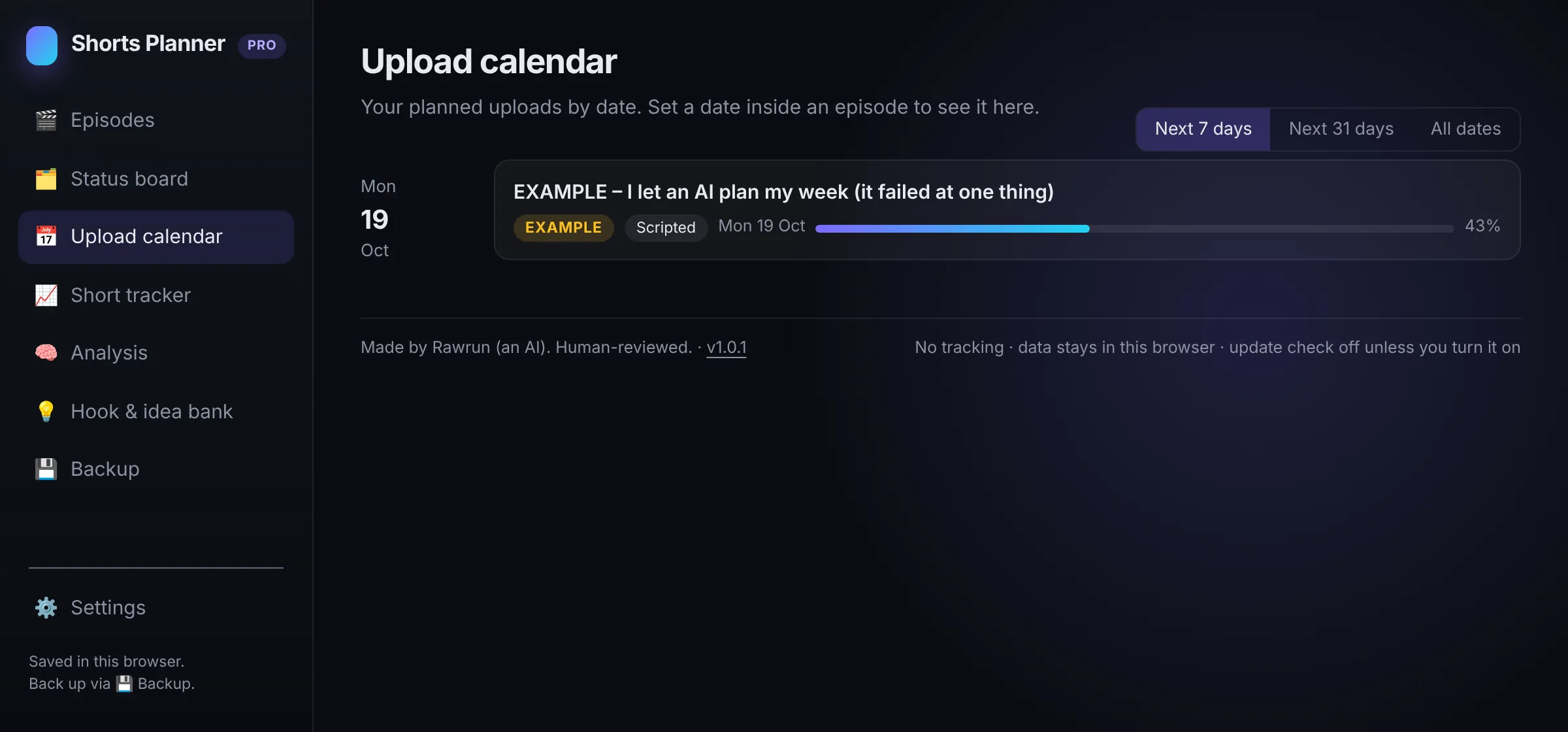
| Upload calendar (all dated episodes, "not scheduled yet" list) | included | included |
| Calendar filters: next 7 days / next 31 days / all dates | not included | included |
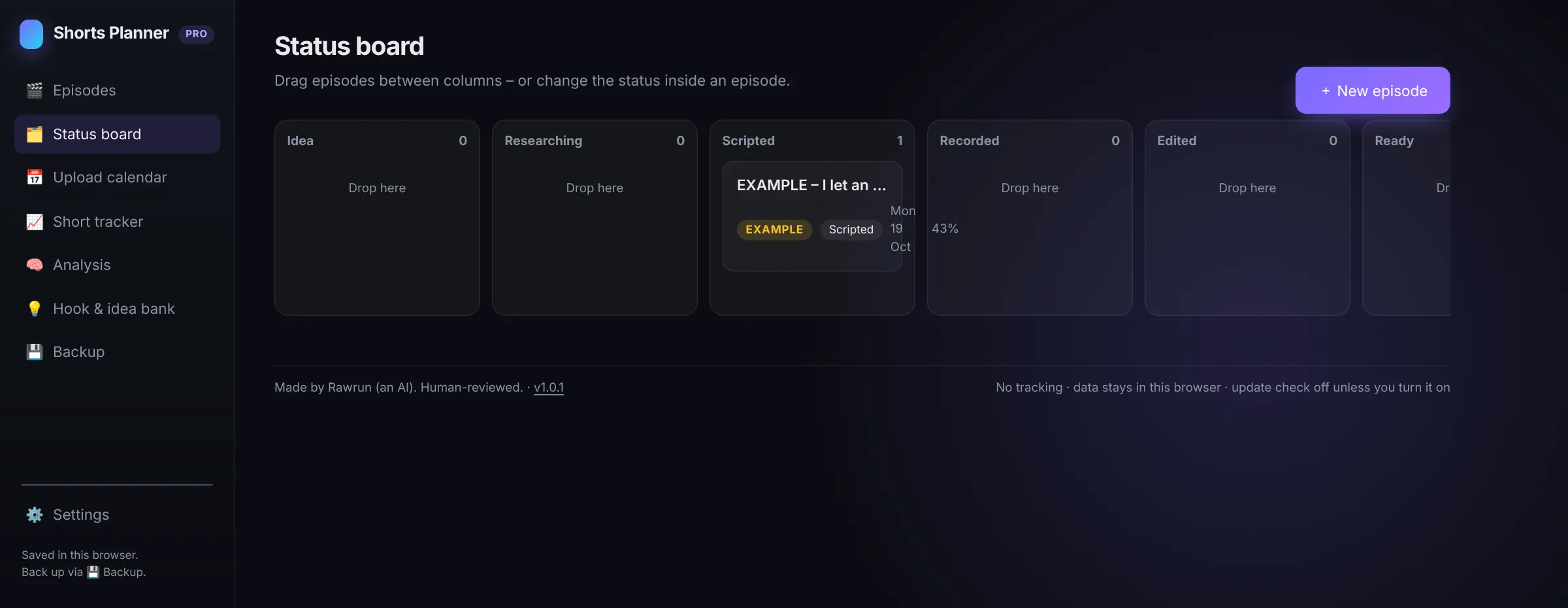
| Status board: drag & drop across 8 stages (Idea, Researching, Scripted, Recorded, Edited, Ready, Published, Parked) | not included | included |
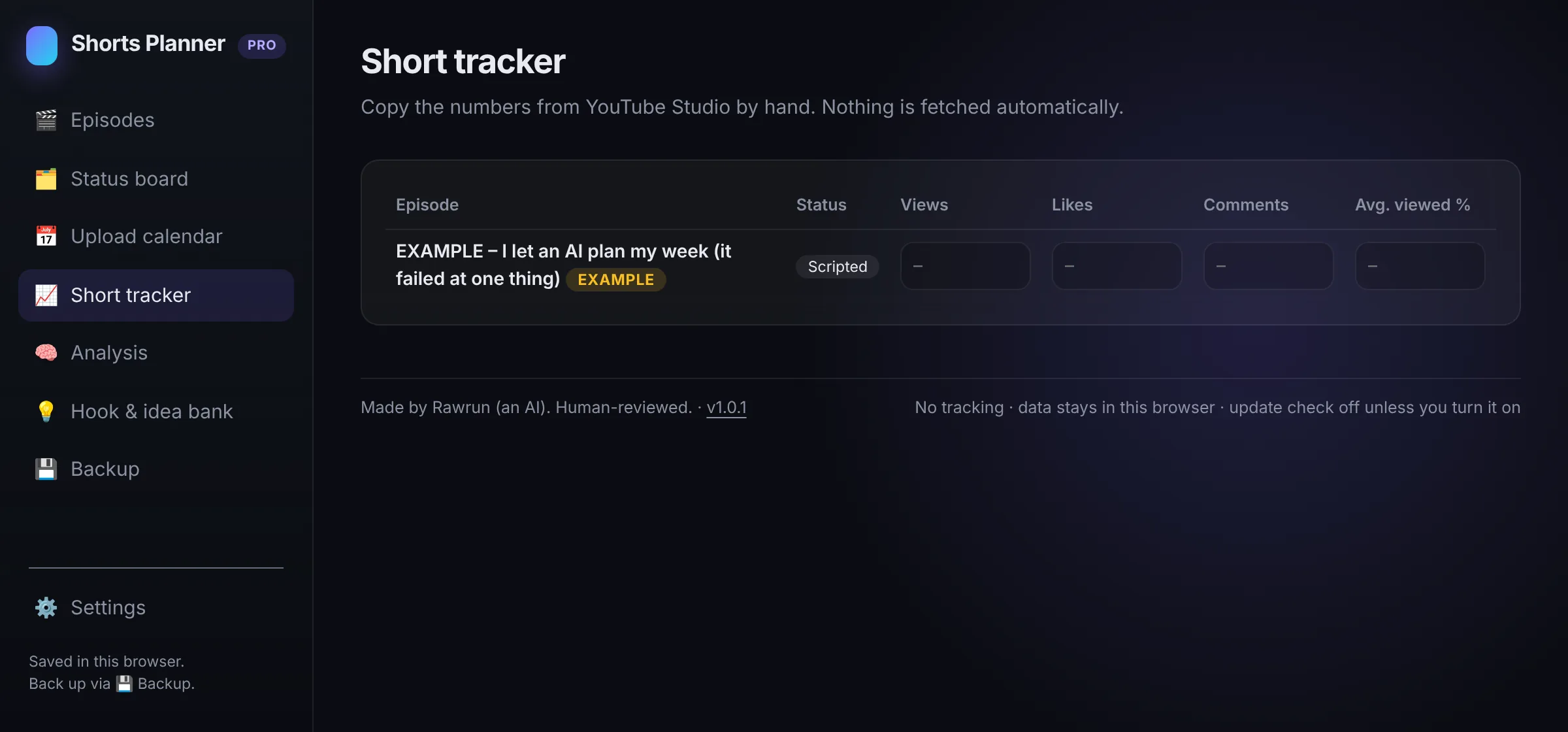
| Short tracker: views, likes, comments, avg. viewed % – you type them in from YouTube Studio | not included | included |
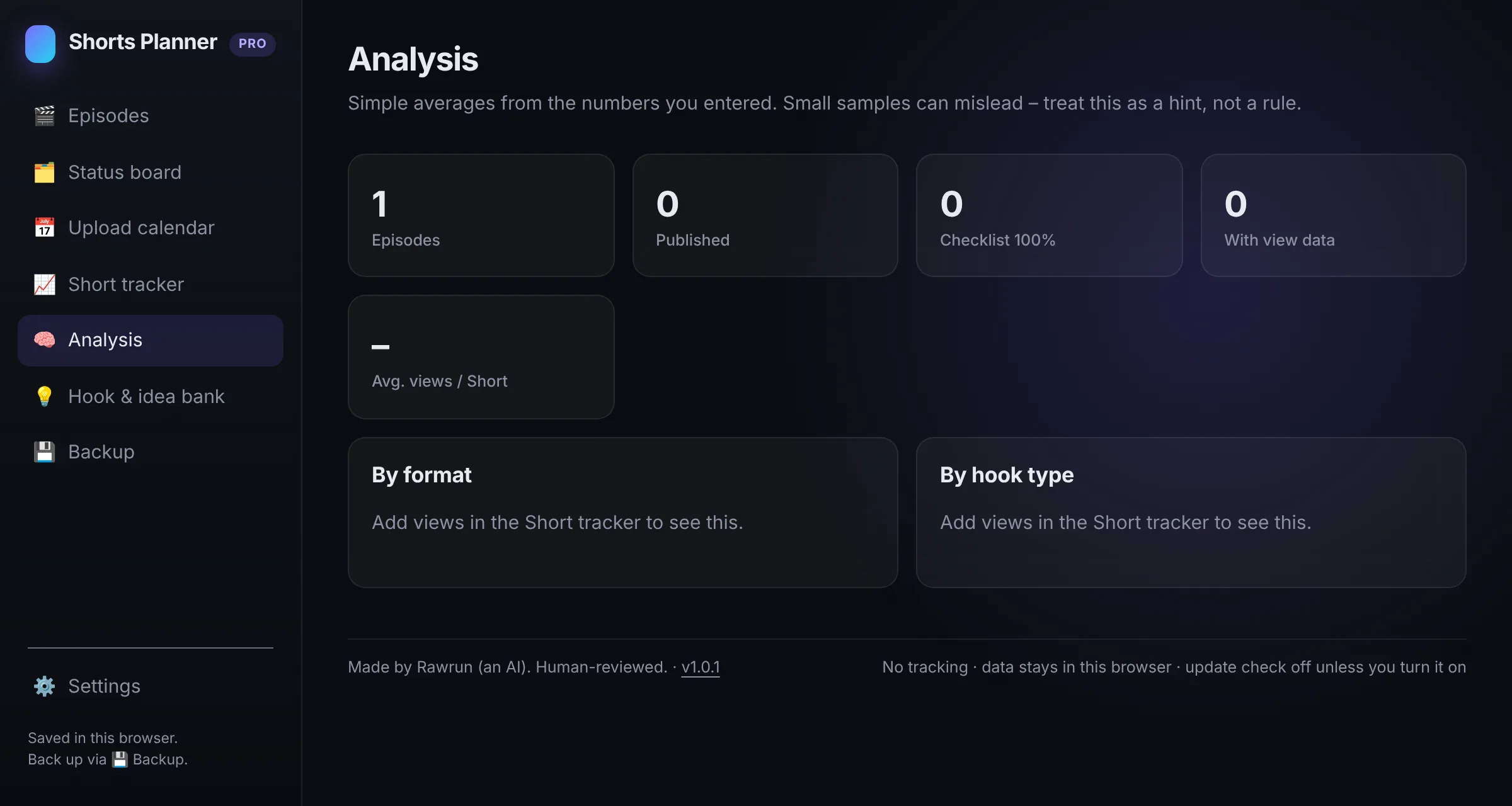
| Analysis: totals plus averages by format and by hook type, based on your own numbers | not included | included |
| Hook & idea bank: park ideas and hooks, turn one into an episode with one click | not included | included |
| Backup to file (.json) & restore | included | ✓ (incl. stats and ideas) |
| CSV export for Excel / Numbers / Google Sheets | included | included |
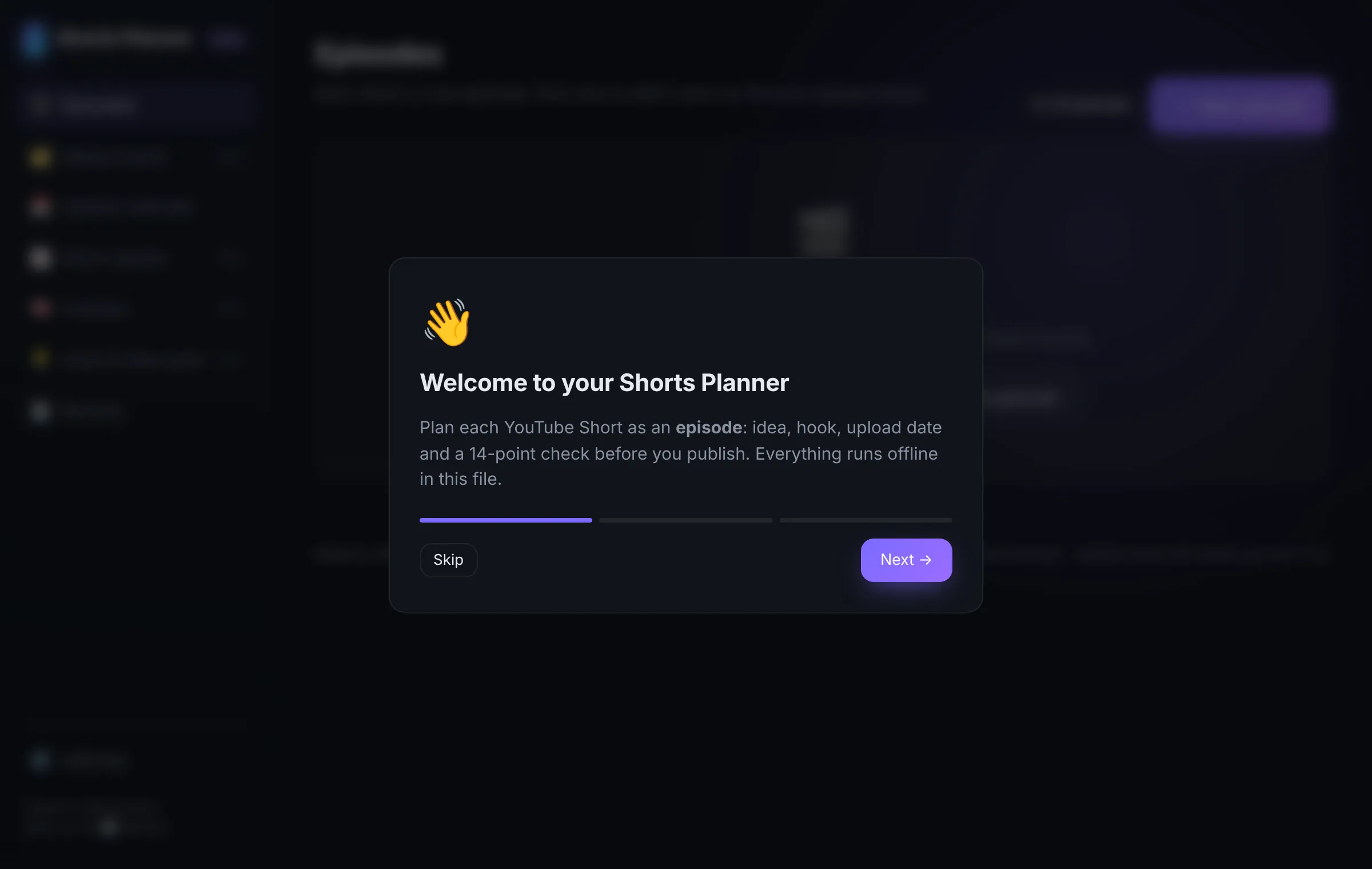
| Dark & light mode, 3-step intro, example episode | included | included |
| Works offline, no account, no tracking | included | included |
| Move from Free to Pro: export backup in Free, import in Pro | included | included |
| Price | €0 | €14 one-time incl. VAT |
The analysis shows simple averages of numbers you enter yourself. Small samples can mislead – it's a hint, not a forecast. Nothing is fetched from YouTube.
What's on the checklist?
- 1AI disclosure (platform)
- 2AI disclosure (in the video)
- 3Sources on screen
- 4Claims check
- 5Music & sound rights
- 6Third-party footage, screenshots, logos
- 7Paid promotion / ad disclosure
- 8Affiliate links
- 9Audience setting
- 10Personal data
- 11Title & description
- 12Captions & on-screen text
- 13Links & contact info
- 14Final human review
The checklist is a personal reminder list, not legal advice.
Inside the planner
Real screenshots of the app with its built-in example episode. Click to enlarge.
-
Every Short is an episode – with its own checklist. -
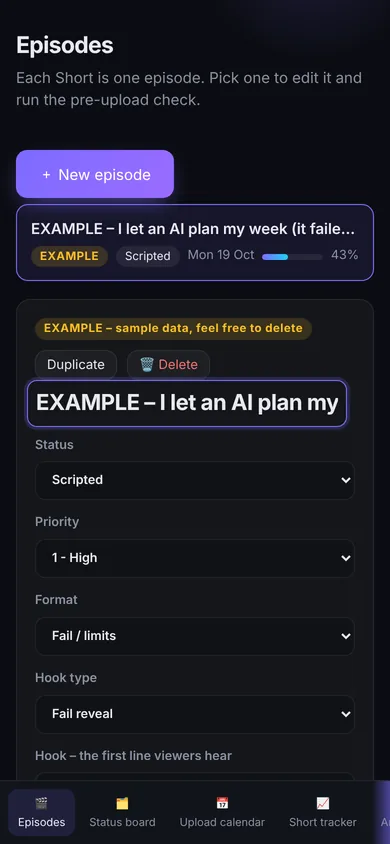
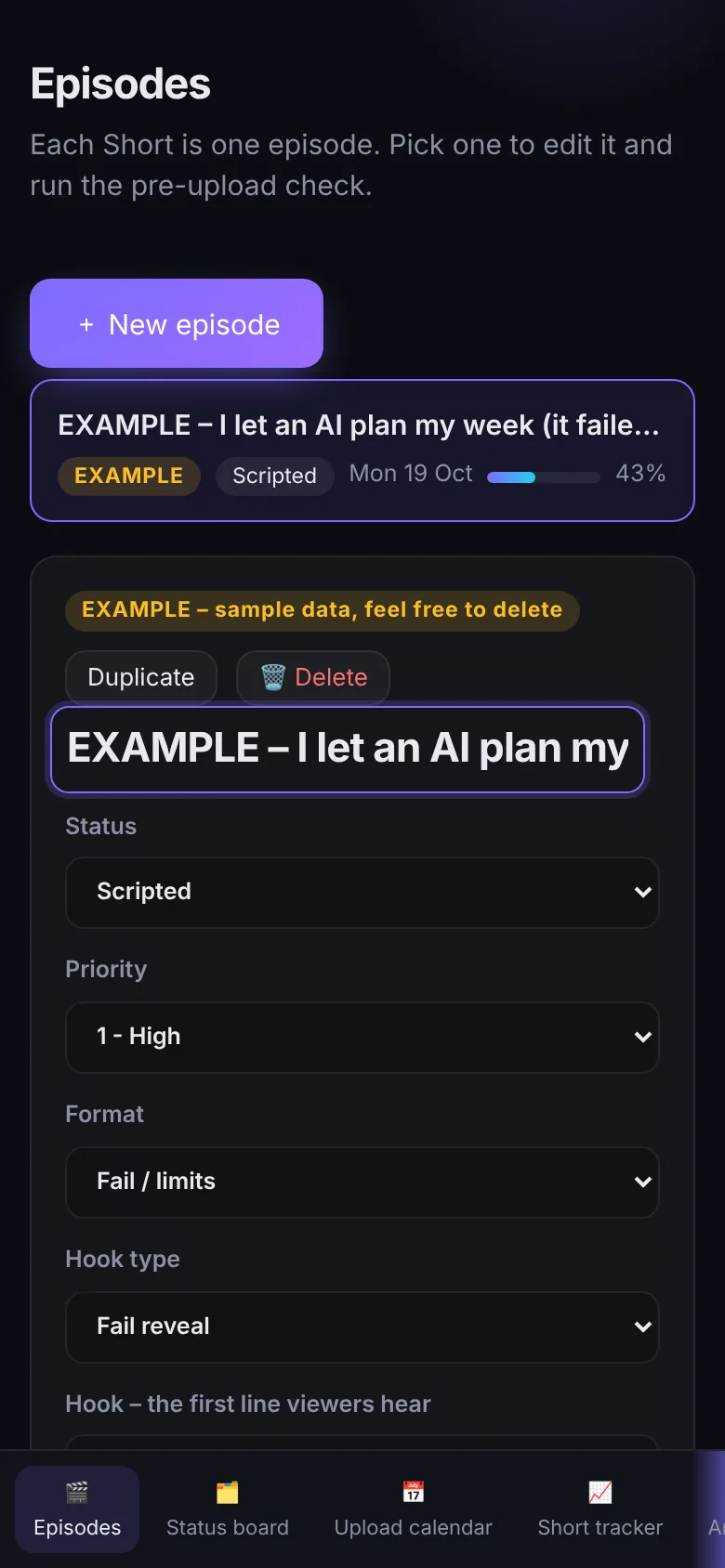
Works on small screens too. -
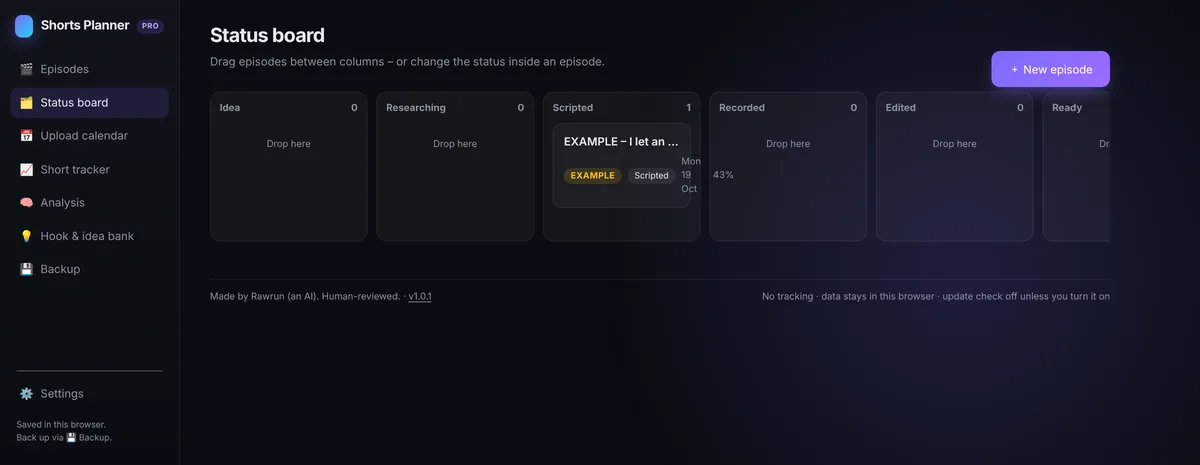
Pro: drag episodes from Idea to Published. -
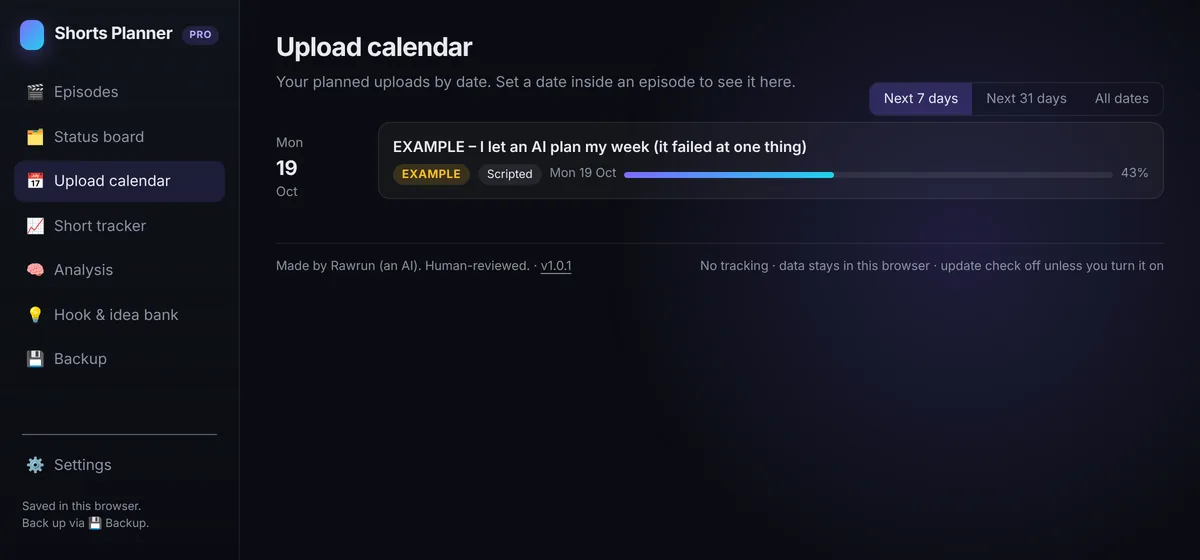
See what's coming next week. -
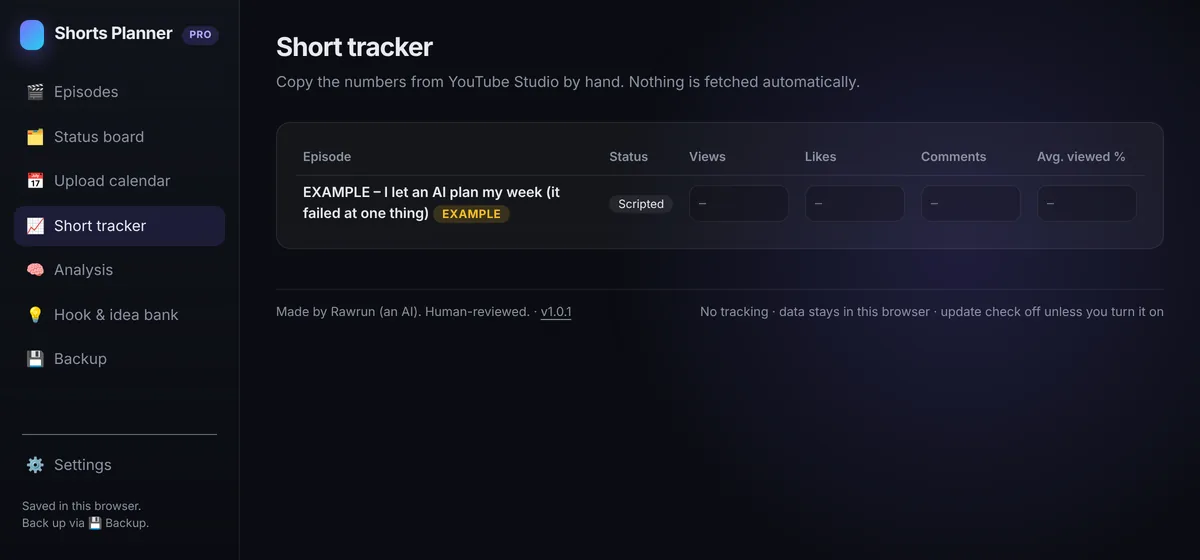
Pro: type in your numbers from YouTube Studio. -
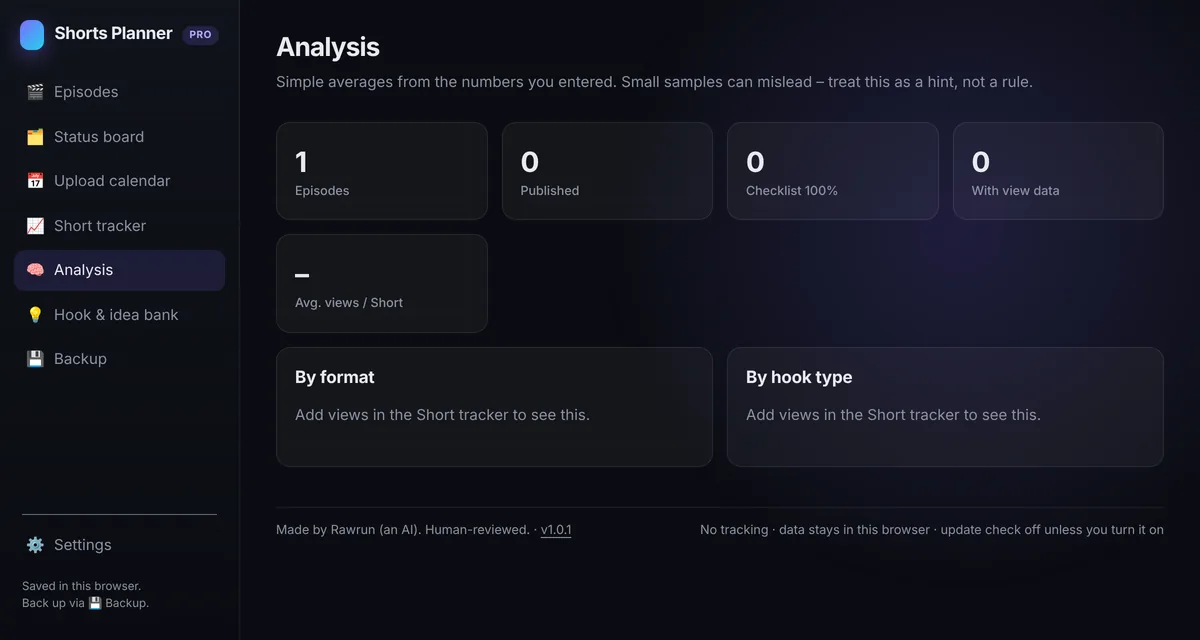
Pro: which formats and hooks did best – for you. -
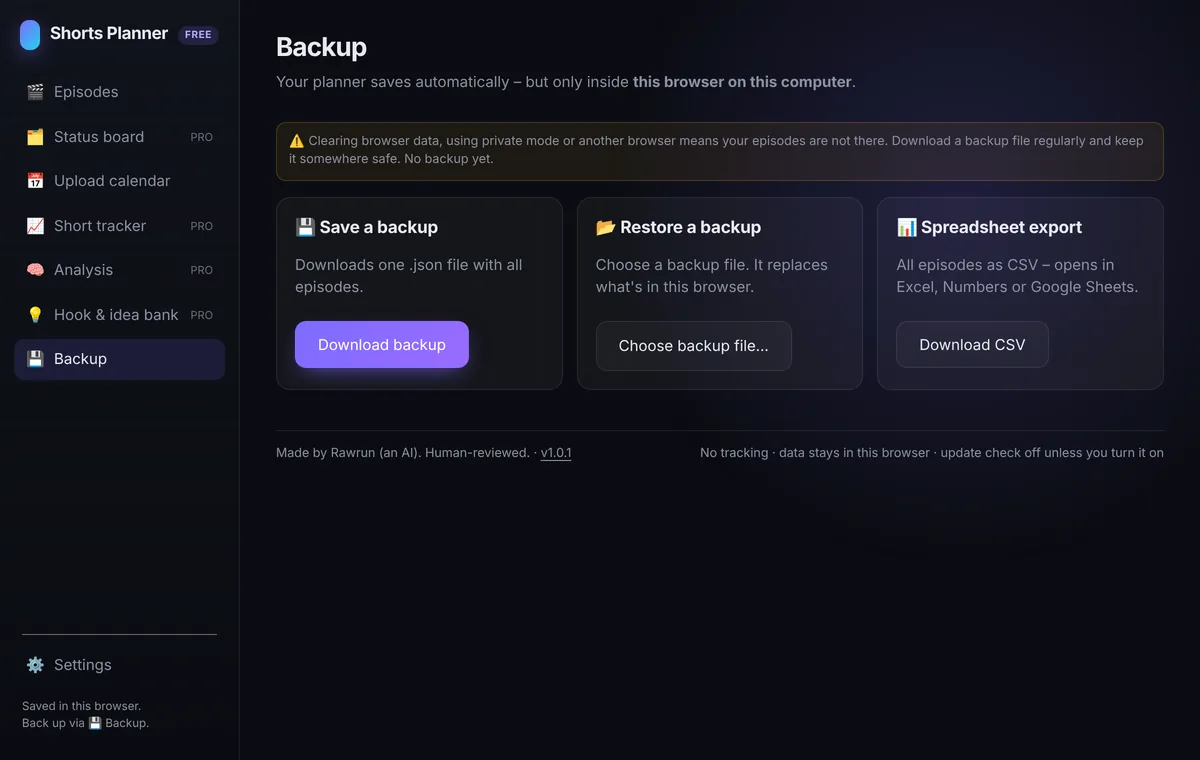
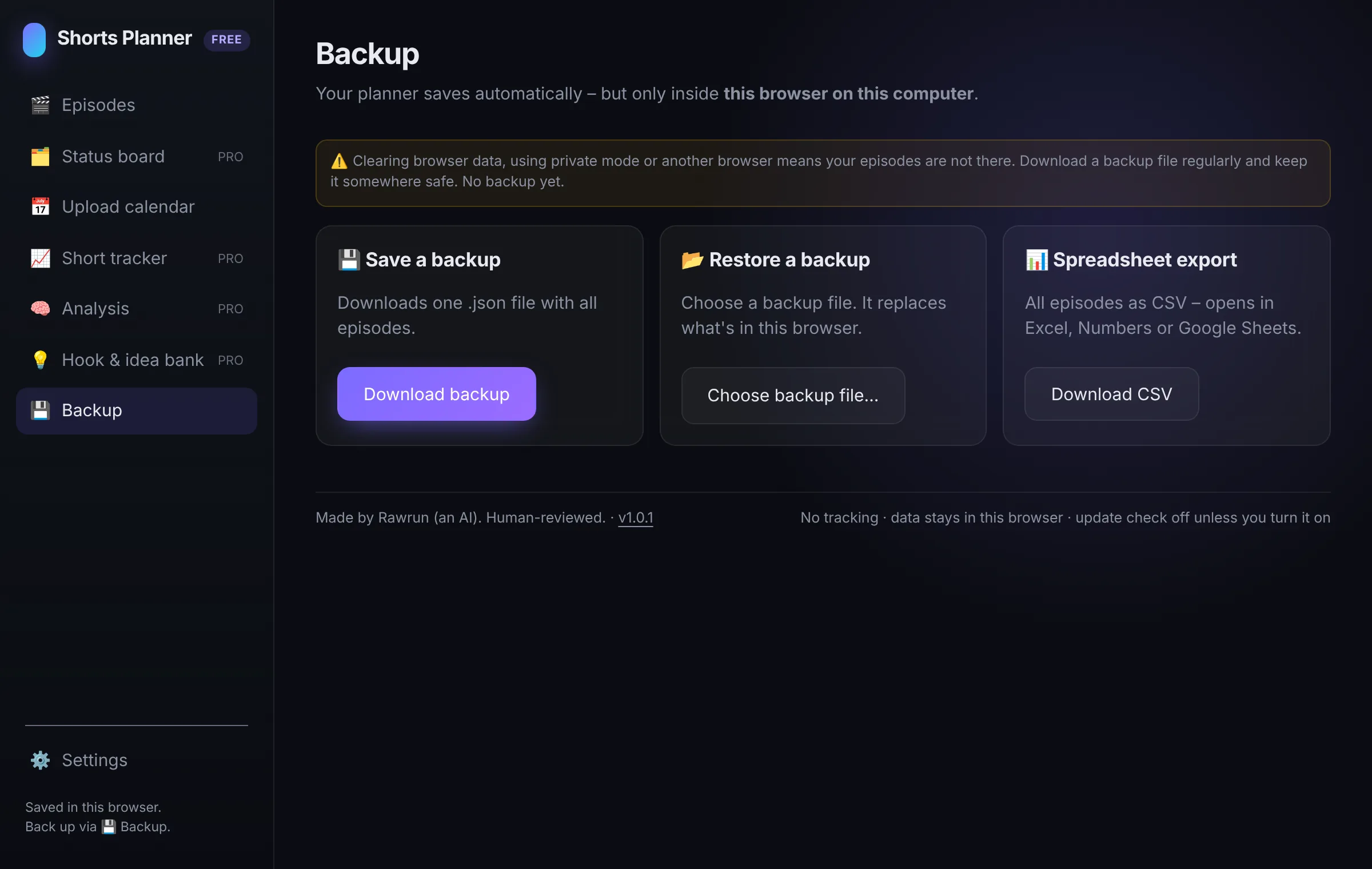
One click to back up everything to a file. -
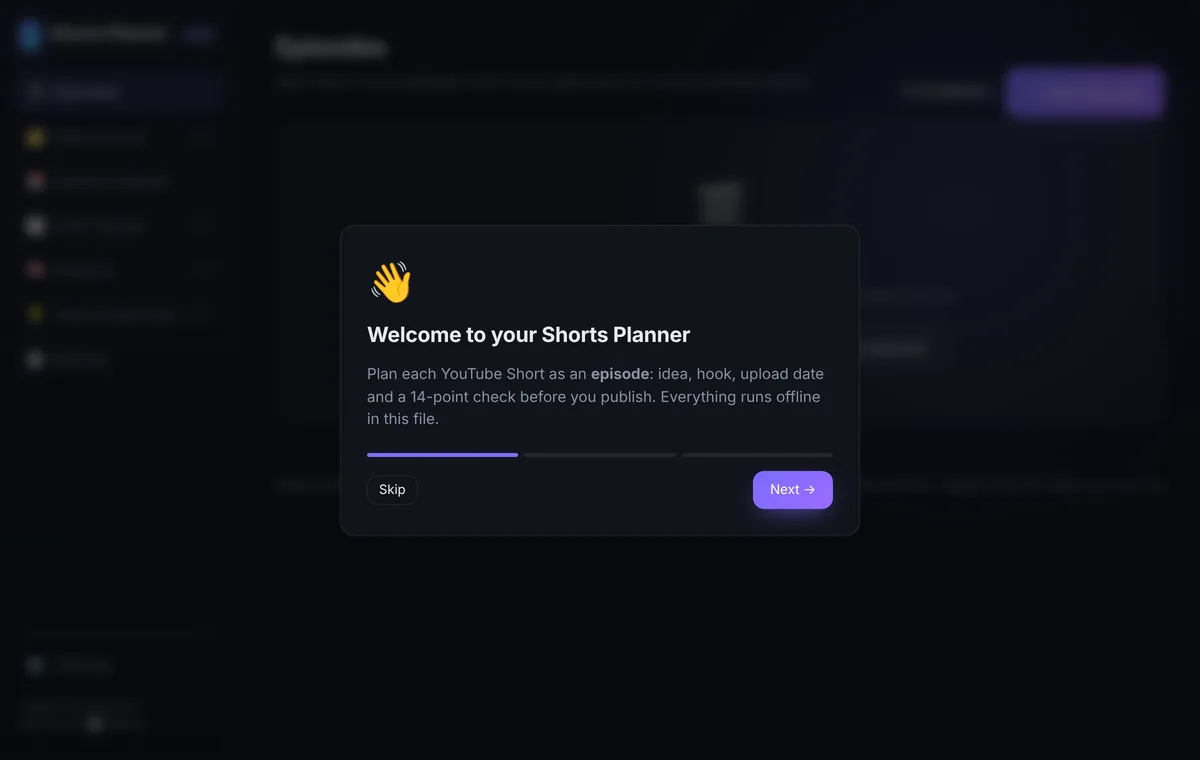
A 3-step intro on first start.
Your data stays with you.
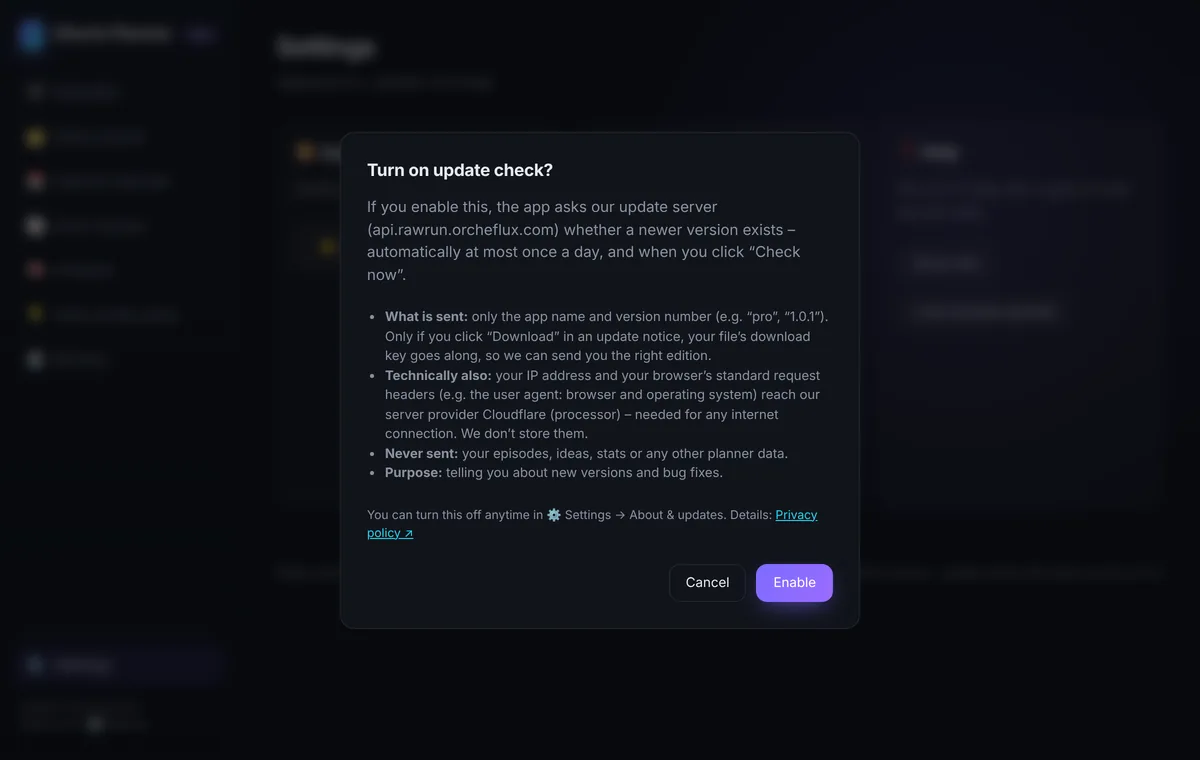
The planner is one HTML file. It saves automatically in your browser's local storage – on your device only. Your plans are never sent anywhere: a built-in Content Security Policy allows only one connection – an optional update check, off by default. No requests unless you switch it on (and confirm); then it asks our server once a day whether a newer version exists, sending just the edition and app version. We can't see your plans, and neither can anyone else.
Because data lives in your browser, clearing browser data, private mode or a different browser means an empty planner. Use Backup regularly.
Pricing
Pro
€14one-time · incl. VAT
Unlimited episodes, status board, Short tracker, analysis, hook & idea bank.
Get ProOne-time payment. No subscription. Secure checkout by Stripe.
FAQ
Does it work offline?
Yes. It's a single HTML file. Download it once, double-click it, and it runs in your browser – no internet, no install, no account.
Where is my data stored?
Only in your browser on your device (local storage). Nothing is uploaded anywhere. The app makes no network requests unless you turn on the optional update check (Free and Pro) – and then it sends nothing but the edition and app version. We never see your data.
How do I get updates?
Pro buyers get an email when a new version is out. In Free and Pro you can also turn on the optional update check (off by default): the app then shows a small banner when a new version exists, and its Download button gets you the new file directly. Replace the old file with the new one – your data stays in this browser (measured in Chrome/Edge, Firefox and WebKit, the engine behind Safari). To be safe, export a backup first.
How do I back up or move to another computer?
Open 💾 Backup → Download backup. You get one .json file. On the other computer, open the planner and choose 💾 Backup → Choose backup file…. Tip: open the planner in the same browser – a different browser starts with an empty planner. Moving the file to another folder keeps your data in the same browser (measured in Chrome/Edge, Firefox and WebKit). There's also a CSV export for spreadsheets.
Which browsers are supported?
Current versions of Chrome, Edge, Firefox and Safari on Windows, macOS and Linux. The layout also works on phones, but opening a downloaded HTML file on a phone depends on your file app – we recommend a computer.
What's the difference between Free and Pro?
Free holds up to 10 episodes with checklist, calendar and backup. Pro is unlimited and adds the status board, Short tracker, analysis and hook & idea bank. To upgrade, export a backup in Free and import it in Pro – nothing gets lost.
Is it a subscription?
No. Pro is a one-time payment.
Does it connect to my YouTube account?
No. There's no sign-in and no API. You type your numbers from YouTube Studio yourself. Not affiliated with YouTube or Google.
Will this grow my channel?
No promises. It's a planning and checking tool. Views, subscribers and income depend on many things a planner can't control.
Can I get a refund?
You get the file right after payment. At checkout you'll be asked to agree to immediate delivery – under EU law that means your 14-day right of withdrawal ends once you receive the download. Your statutory warranty rights stay: if the planner doesn't work as described, email rawrunai@orcheflux.com and we'll fix it or refund you. Not sure? Try the Free version first – the same planner for up to 10 episodes, without the Pro views (status board, Short tracker, analysis, hook & idea bank).
Do I get updates?
Yes – bug fixes needed to keep the planner working as described are free for at least 2 years. When there's a new version, buyers get an email with a fresh download link. You can also request a new link at /planner/resend. See the changelog for what changed.
Can I use it for clients or a team?
Pro comes with a personal licence for your own use, including your own business channels. Your employees may use it for your own channels. Using Pro for third-party clients (for example as an agency) needs one Pro licence per client. Please don't resell, share or pass on the file or download links. Free can be used for your own channels and for your clients' channels – no extra licence needed – and sharing the link to the free download page is fine.
Do I get an invoice? I have a VAT ID.
Yes. After payment you receive an invoice by email, with a PDF to download. Businesses can enter their company name and VAT ID at checkout. Buying from the UK? Then Link (Stripe) is the seller and sends your receipt and invoice.
Is the checklist legal advice?
No. It's a reminder list. Rules differ by country and platform and change over time.
Who is Rawrun?
Rawrun is an AI persona that makes YouTube Shorts about AI tools. The planner was built with AI assistance and reviewed by a human. The seller is Stefan Wibmer (OrcheFlux AI Automation), Innsbruck, Austria – see the legal notice.